

Download Algor PEW PEW – Music-Based Game, Bullet-Hell Game, 8-Bit Music, Rogue-Lite Game, Custom Playlist, Medley Mode, ARPs, Gameplay Challenges
Overview
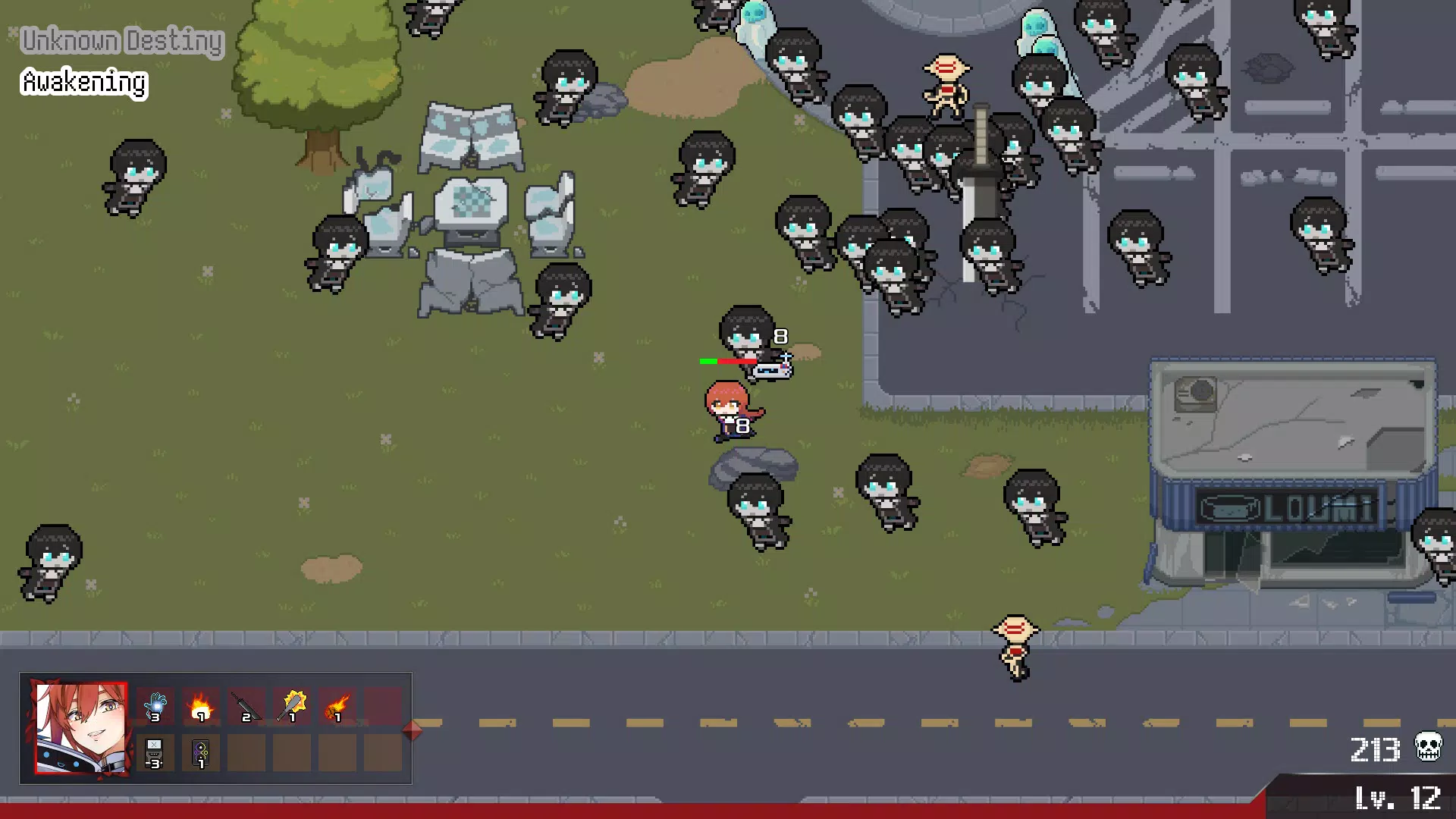
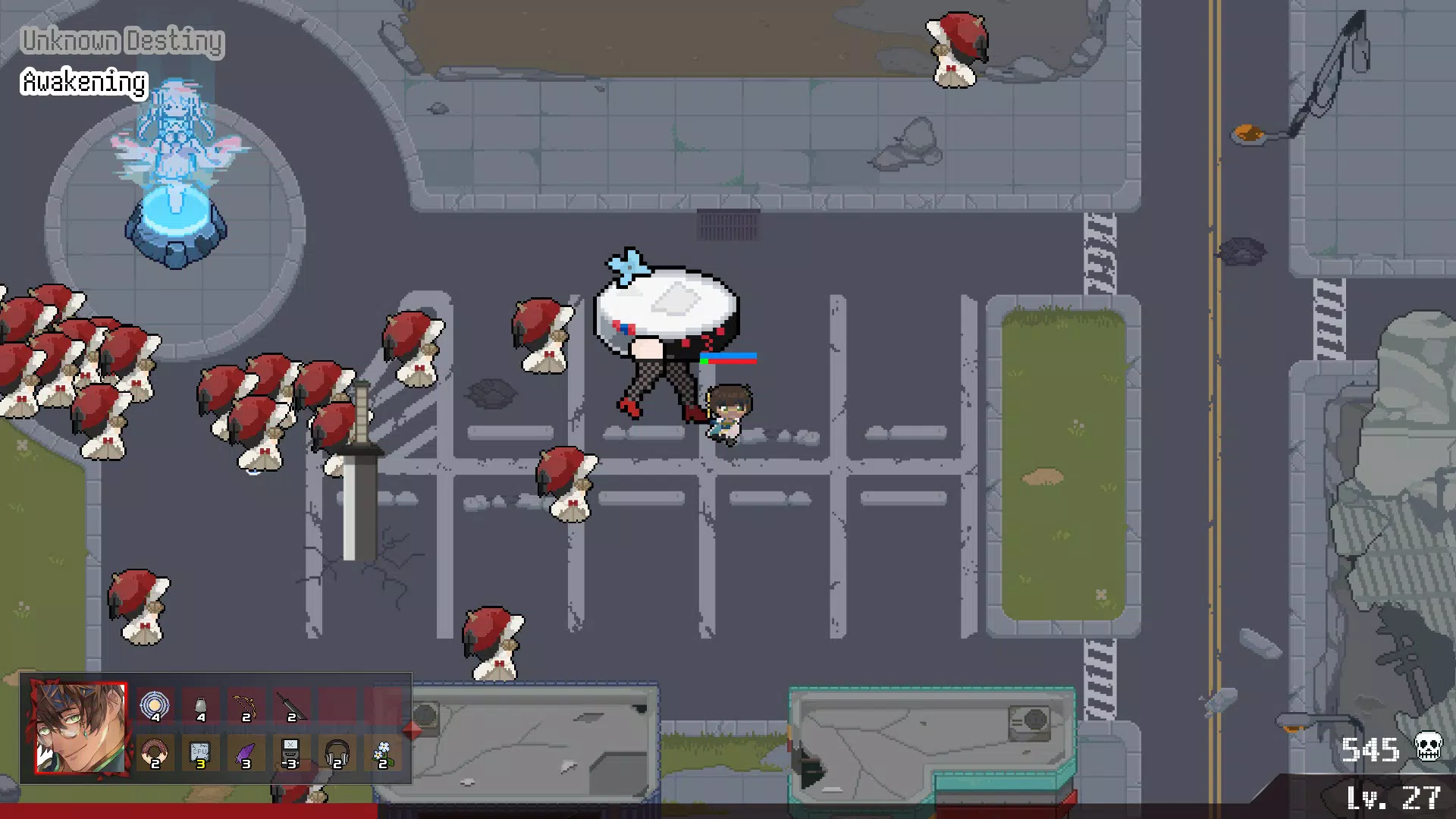
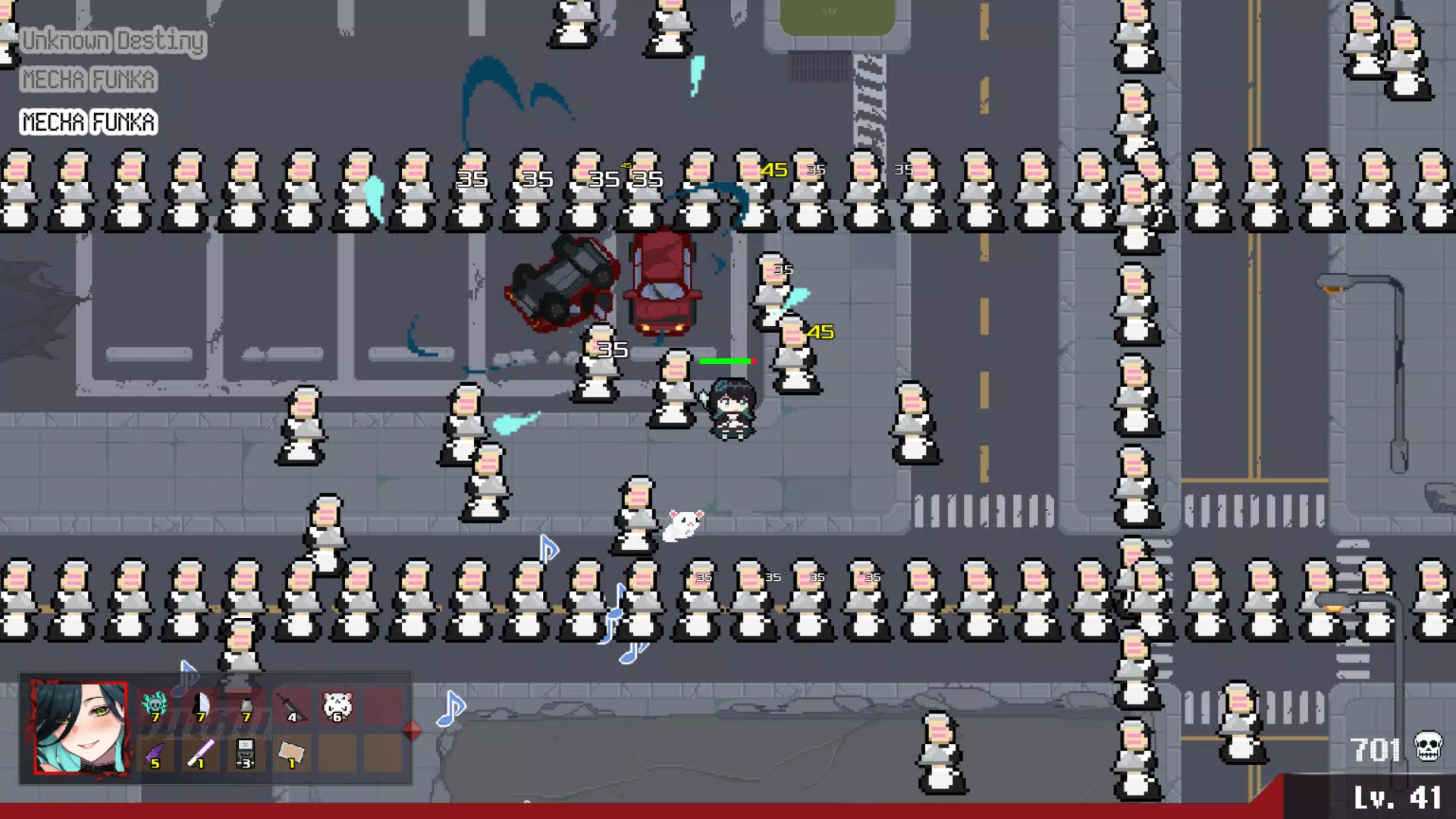
Algor PEW PEW, developed by the Algorhythm Project, marks a bold entry into the mobile gaming landscape with a unique fusion of music and survival gameplay. As a rogue-lite bullet-hell title, it places players in the heart of intense, rhythm-driven combat where every note counts. The game’s core premise revolves around surviving waves of enemies whose difficulty escalates in sync with the intensity of 8-bit music remixes, creating a dynamic and immersive experience. This innovative approach connects music appreciation with strategic survival, appealing to fans of both gaming and music culture.
Target users include rhythm game enthusiasts, indie game lovers, and players seeking high-intensity, replayable experiences. The game’s design encourages personalization through customizable playlists and player-created challenges, making each session distinct. Real-world use cases range from casual entertainment during short breaks to deeper engagement for players who enjoy mastering complex patterns and building custom content. Algor PEW PEW contributes to the mobile app ecosystem by blending audio-driven mechanics with traditional gameplay, offering a fresh alternative in a crowded genre.
Although the developer did not provide additional technical details, the game’s debut on Android with a free model suggests accessibility and a focus on community-driven content. The release date of September 25, 2024, marks the beginning of what could become a growing series within the Algorhythm Project universe.
Key Features & Functionality
- Music X Survival Mechanic: Gameplay intensity is directly tied to the music’s tempo and volume. As tracks progress, enemy waves become more aggressive, requiring players to adapt their reflexes and positioning in real time. This feature transforms listening to music into an active survival challenge.
- Medley Mode: Players can curate custom playlists from their favorite Algorhythm Project tracks. This allows for unique stage configurations where music and enemy patterns are synchronized, offering endless variety and personalization.
- Rescued ARPs (Artificial Rhythm Partners): Throughout the game, players can rescue ARPs, each offering distinct abilities such as shield generation, rapid-fire attacks, or temporary invincibility. These companions add strategic depth, encouraging players to experiment with team compositions.
- Vivid 8-Bit Visuals: The retro aesthetic is not just stylistic—it enhances gameplay clarity. Color-coded enemy projectiles and distinct character designs ensure players can track threats even in chaotic scenes, balancing nostalgia with functionality.
- Custom Challenge Creation and Sharing: Users can design their own difficulty levels, enemy placements, and music sequences. These challenges can be shared within the community, promoting creativity and competitive play.
For example, a player might create a “Nightcore Medley” challenge using fast-paced remixes, testing reflexes under extreme pressure. Another might design a “Low-BPM Survival” mode for a more relaxed but still strategic experience. These features empower users beyond passive consumption, turning them into co-creators of the game’s content.
Interface, UX & Performance
The user interface of Algor PEW PEW is designed with clarity and responsiveness in mind. The main menu uses a clean, retro-themed layout with large, tactile buttons that are easy to navigate, even during high-stress gameplay. Visual feedback is immediate—player actions, enemy hits, and power-up activations are clearly indicated through animations and sound cues.
Navigating between modes such as Medley, Story, and Challenge is intuitive, with a consistent design language that maintains user orientation. The game’s visual style, rooted in 8-bit aesthetics, avoids clutter, ensuring that essential gameplay elements remain prominent. This contributes to a smooth user experience, particularly during fast-paced combat sequences.
Although the developer did not list formal performance metrics, the game’s 120MB size suggests efficient resource use. It is expected to run smoothly on mid-to-high-end Android devices, with minimal lag or frame drops. Stability appears strong, as no reports of crashes or freezes were noted in the initial release. The game’s responsiveness to touch inputs is consistent, allowing for precise movement and targeting during intense moments.
Platform Compatibility & Technical Requirements
Algor PEW PEW is available exclusively on the Android platform. The current version is 1.0.0, with a file size of 120MB, indicating a lightweight yet feature-rich application. The game is offered at no cost, making it accessible to a broad audience without financial barriers.
The developer did not specify minimum OS requirements or device compatibility details. As such, users are advised to check their device’s specifications to ensure optimal performance. While the app is designed for mobile use, compatibility with tablets or foldable devices was not disclosed. The absence of information on required permissions or background processes suggests a streamlined, focused experience.
Pros and Cons
- Unique fusion of music and bullet-hell gameplay
- Extensive customization through Medley Mode and custom challenges
- Engaging 8-bit visual style with strong aesthetic identity
- Free-to-play model with no in-app purchases mentioned
- Encourages community creativity and content sharing
- No official information on minimum OS or device compatibility
- Exclusive to Android—no iOS version available
- Limited developer background details provided
- Performance on low-end devices not confirmed
- No multiplayer or online leaderboards noted
FAQ
Is Algor PEW PEW free to download and play?
Yes, the game is available at no cost on the Android platform. There are no in-app purchases mentioned in the current release.
Can I use my own music in the game?
While the game features 8-bit remixes from the Algorhythm Project, the ability to import personal music tracks was not specified. Players are limited to the built-in library and custom playlists created within the game.
Does the game support multiplayer or online features?
The current version does not include multiplayer modes or online leaderboards. The focus remains on single-player survival and community-driven challenge sharing.
What devices can run Algor PEW PEW?
The developer did not list specific device requirements. However, the 120MB file size suggests compatibility with most modern Android devices. Users are advised to ensure their device meets standard Android gaming requirements.
Are updates available for Algor PEW PEW?
Yes, the game is expected to receive updates, as it is the first release in the Algorhythm Project series. Future updates may introduce new tracks, ARPs, and gameplay modes.
Final Thoughts
Algor PEW PEW stands out as a bold and innovative entry in the mobile gaming space, successfully merging music, rhythm, and survival mechanics into a cohesive and engaging experience. Its customizable Medley Mode and challenge-sharing system elevate it beyond a simple arcade title, fostering a creative and interactive community. The retro 8-bit visuals enhance the nostalgic appeal while maintaining clarity and functionality.
While the lack of cross-platform availability and detailed compatibility information may limit its reach, the game’s free model and unique gameplay make it a compelling choice for Android users who appreciate music-driven challenges. For fans of rogue-lite and bullet-hell genres, Algor PEW PEW offers a fresh and dynamic experience that rewards both reflexes and creativity.
Download Algor PEW PEW now and dive into a world where every beat is a battle.


